
The same product has to be listed platform by platform. Every platform has its own format, and copy-and-paste invites mistakes.
ManaOne module 01 · Product ListingManaGo
Upload the product list once, and each platform's listing format is ready
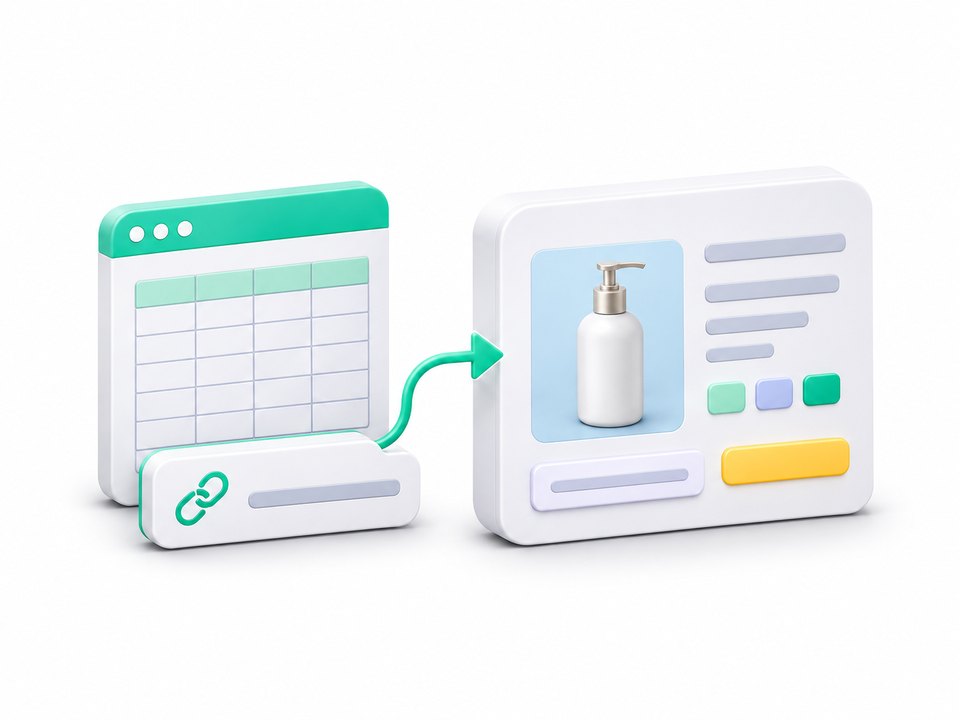
Upload the product list already on hand (Excel), or paste a product URL. AI sorts out the variants and converts everything into each platform's listing format. Listing one product goes from 60 minutes to 2.
Product list (Excel)Product URL

WooCommerceihergoShopeeStorefront platforms
Before and now
Upload a product list or paste a product URL. AI organizes the data, splits out the variants and converts it into each platform's listing format. A person only has to confirm.
List one productWas 60 minutes2 min
Features
From product list to live listing: four things to know
 1
Upload a product list, or paste a product URL
Upload the whole product list (Excel) and AI pulls out the name, short description, images, original price and variant codes. With only a few new products, pasting product URLs works too, several at a time.
 2
Required fields are checked first
Fields that could not be read are flagged in yellow, and AI can fill in a missing short description in one click.
 3
Nothing is listed until the price is confirmed
Cost and selling price always need a person's confirmation. Only then does a product move from “Pending” to “Ready to list”, so a wrong price does not go live.
 4
One set of data, onto every platform
Platforms with an API are listed to directly. For the others, one click generates a bulk-upload file. Adding a new format is easy.
How long would your own products take to list?
When to use it
- A new product needs to go onto several platforms
Every product that is listed stays in ManaOne, alongside order, group-buy and member data, as part of the brand's own data asset.



Product Listing FAQ
Which platforms are supported?
WooCommerce and ihergo can be listed to directly. For Shopee and storefront platforms, ManaGo generates bulk-upload files. New platform formats are easy to add, so ask about others.
Why can some product pages not be read?
Some shopping sites have protection in place, so reading can fail. Paste URLs from the brand's own site or listing platform, or upload a product list instead.
Could a wrong price get listed?
Nothing is listed automatically. Cost and selling price must be confirmed by a person before a product moves from “Pending” to “Ready to list”.
Can it handle many products at once?
Yes. Upload a product list (Excel) to process a whole batch, or paste several URLs at once.
Does it have to be used with other modules?
No. Use ManaGo on its own, add other modules, or take a bundle.
Contact us
Want a demo first,
or have a question?
ManaOne is self-serve: sign up and try it any time. To see it in action first, or if something comes up during the trial, leave your contact details and we will be in touch within one working day.
Emailinfo@datamana.app
LINE Official Account@datamana